LabVIEW for Automated Test Equipment (ATE): How Manufacturers Can Improve Testing Efficiency

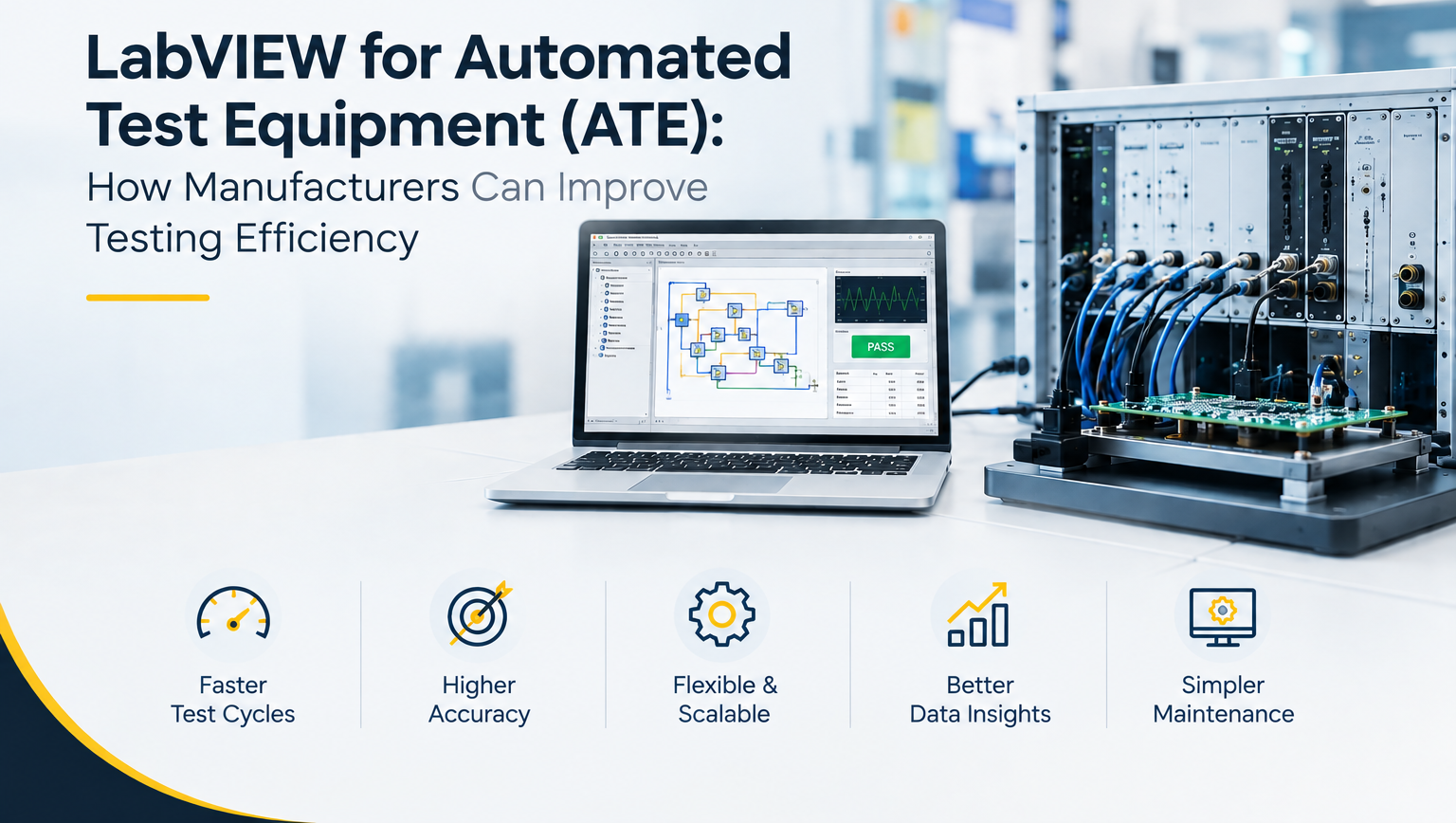
Manufacturing companies need testing systems that can check products accurately while keeping production moving. When testing is done manually, it can take more time, require more operator involvement and make it difficult to maintain the same testing process across every product.
Automated Test Equipment (ATE) helps manufacturers automate these testing activities. LabVIEW is widely used for developing software that controls test equipment, collects measurement data and provides results to engineers and operators.
With the right LabVIEW Software Development Services, manufacturers can build custom testing applications based on their products, instruments and production requirements.
In this article, we will look at how LabVIEW can support ATE systems and how manufacturers can use it to improve testing efficiency.
What Is Automated Test Equipment (ATE)?
Automated Test Equipment is a combination of hardware and software used to test products or components with limited manual intervention.
An ATE system can connect different instruments, sensors and devices to perform predefined tests. The system can then collect measurements, compare results with required limits and generate a final test result.
A typical ATE setup may include:
Test Instruments and Measurement Devices
ATE systems can work with instruments such as:
- Digital multimeters
- Power supplies
- Signal generators
- Oscilloscopes
- Temperature sensors
- Pressure sensors
- DAQ devices
- Other industrial measurement equipment
The instruments provide the measurement data required to determine whether a product meets its specifications.
Control and Communication Hardware
Different manufacturing environments use different communication methods and hardware.
A LabVIEW based ATE system can be developed to communicate with suitable hardware through technologies such as:
- DAQ
- PLC
- Modbus
- OPC UA
- CAN
- Serial communication
- Ethernet based communication
This allows the testing application to communicate with multiple devices from a central software interface.
Test Software
The software controls the testing sequence and manages the collected information.
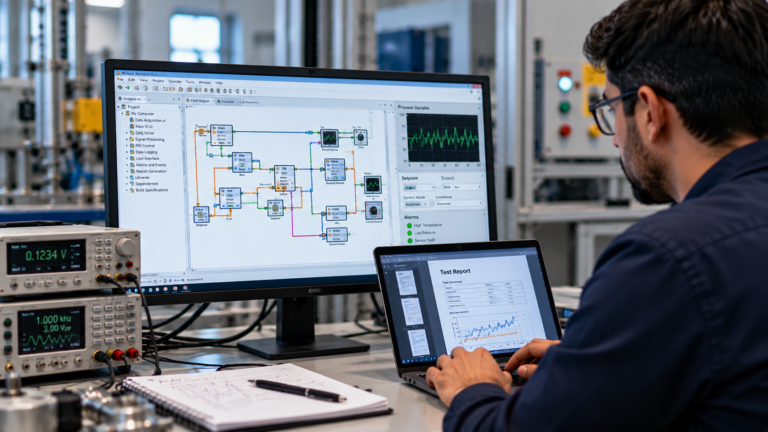
This is where LabVIEW programming becomes important. A custom LabVIEW application can control instruments, execute test steps, record measurements and display test results to operators.
How LabVIEW Supports Automated Test Equipment
LabVIEW is a graphical programming environment developed by National Instruments, now part of NI. It is commonly used for test, measurement, data acquisition and industrial automation applications.
For ATE systems, NI LabVIEW can act as the software layer that connects the testing process with measurement hardware.
For example, a manufacturer may need to test an electronic product before it leaves the production line. A LabVIEW application can control the required instruments, run the testing sequence, collect measurements and determine whether the product has passed or failed.
This can reduce repetitive manual work and provide a more consistent testing process.
How LabVIEW Can Improve Testing Efficiency
The main value of LabVIEW in ATE is not simply automation. A properly designed testing application can help manufacturers organize the complete testing process and manage measurement data more effectively.
Faster Testing Processes
Manual testing can require an operator to perform several steps for every product.
An automated LabVIEW system can execute predefined test sequences automatically. Once the product is connected, the software can control the required instruments and perform the selected tests.
This can help reduce the time required for repetitive testing activities.
The exact improvement depends on the product, test sequence, hardware and level of automation.
Better Testing Consistency
When different operators perform the same test manually, there can be differences in how each step is performed.
With an automated test system, the same predefined sequence can be applied to each product.
A LabVIEW application can control:
- Test sequence
- Measurement conditions
- Acceptable limits
- Data collection
- Pass or fail conditions
- Test reports
This provides manufacturers with a more consistent testing process.
Automated Data Collection
Recording test results manually can become difficult when manufacturers test a large number of products.
LabVIEW software can automatically collect measurement data from connected instruments and store the results.
Depending on the system requirements, test data can be integrated with databases or used to generate reports.
This gives engineers a structured way to review historical test information.
LabVIEW ATE for End of Line Testing
End of Line testing is an important part of many manufacturing processes.
Before a product is released from production, manufacturers may need to verify its electrical, mechanical or functional performance.
A LabVIEW based ATE system can be designed to perform these checks automatically.
For example, an EOL testing system may:
- Identify the product
- Load the correct test sequence
- Control connected instruments
- Perform required measurements
- Compare results with predefined limits
- Record the test data
- Generate a pass or fail result
This approach can help manufacturers create a structured testing process while reducing unnecessary manual steps.
LabVIEW for Data Acquisition and Monitoring
Data acquisition is another important part of automated testing.
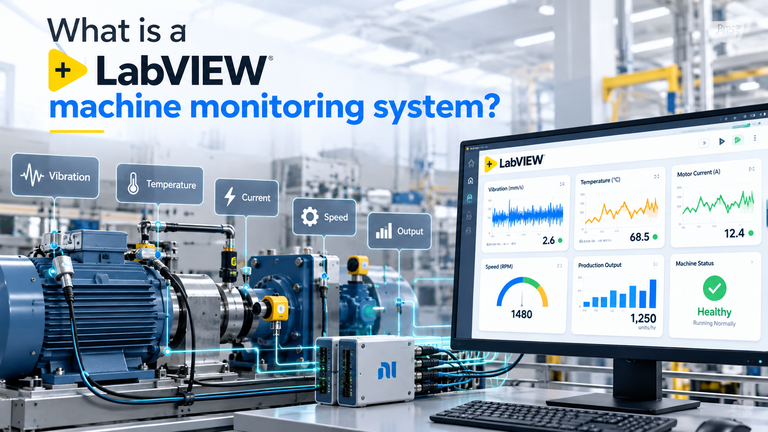
During a test, the system may need to collect information from multiple sensors or measurement devices. A LabVIEW application can be developed to acquire and process this information in real time.
For example, a manufacturer may need to monitor:
- Temperature
- Pressure
- Voltage
- Current
- Speed
- Vibration
- Force
- Other product specific parameters
The collected information can then be displayed, analyzed or stored according to the testing requirements.
This makes LabVIEW software useful for both automated testing and measurement applications.
Connecting LabVIEW With Manufacturing Hardware
Manufacturing test systems rarely depend on one device.
An ATE system may include multiple instruments, sensors, PLCs, controllers and other hardware. Connecting these devices and making them work together is an important part of the software development process.
A custom LabVIEW application can be developed to support communication between different components.
For example, LabVIEW can be integrated with:
- PLC systems
- DAQ hardware
- Industrial instruments
- Sensors
- Cameras and vision systems
- Databases
- Measurement equipment
- External controllers
The communication method depends on the hardware and system architecture.
When Should Manufacturers Consider LabVIEW Based ATE?
LabVIEW based ATE can be considered when a company has repetitive testing requirements and wants to improve the way testing is performed and recorded.
It may be useful when:
- Testing takes significant manual effort
- The same test is repeated across many products
- Multiple instruments need to work together
- Test results need to be recorded automatically
- Product testing needs consistent procedures
- Engineers need real time measurement data
- Manual reporting takes too much time
- The company needs a custom testing application
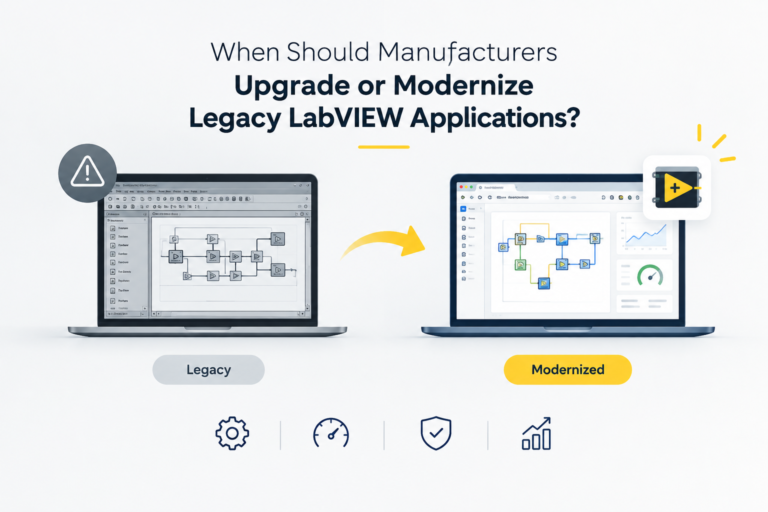
- Existing testing software needs to be upgraded
The right solution depends on the product, production volume, testing requirements and existing hardware.
LabVIEW ATE vs Manual Testing
Both manual and automated testing can have a place in manufacturing.
Manual testing may be suitable for low volume production, prototype testing or situations where test procedures change frequently.
Automated testing can become more useful when the same testing process needs to be repeated many times.
| Testing Area | Manual Testing | LabVIEW Based ATE |
| Test execution | Operator driven | Software controlled |
| Repetitive testing | More manual effort | Automated |
| Data collection | Manual or semi manual | Automated |
| Test consistency | Depends on procedure | Predefined sequence |
| Reporting | Can require manual work | Can be automated |
| Multiple instruments | More operator involvement | Central software control |
| Test scalability | Depends on process | Can be expanded with system design |
The objective is not to replace every manual testing process. Instead, manufacturers can identify repetitive and time consuming activities where automation can provide practical value.
What Should Manufacturers Consider Before Developing an ATE System?
Before starting LabVIEW programming, manufacturers should clearly define their testing requirements.
Important areas include:
- Products that need to be tested
- Required test parameters
- Test sequence
- Measurement accuracy
- Instruments and hardware
- Communication protocols
- Pass and fail limits
- Data storage requirements
- Reporting requirements
- Operator interface
- Future expansion requirements
Understanding these requirements before development can help create a more suitable ATE system.
Why Custom LabVIEW Software Development Matters for ATE
Every manufacturing test environment is different.
One company may need an electrical testing system, while another may need temperature monitoring, functional testing, DAQ or EOL testing.
For this reason, a ready made testing application may not always provide everything required.
Custom LabVIEW Software Development Services can help manufacturers build an application around their existing hardware and testing process.
A custom solution can include:
- LabVIEW application development
- ATE software development
- DAQ and monitoring applications
- Instrument integration
- PLC integration
- Modbus communication
- OPC UA communication
- CAN communication
- Database integration
- Automated reporting
- Legacy LabVIEW application upgrades
- Performance optimization
- Technical support
This approach allows the software to match the actual testing requirements instead of forcing the manufacturing process into a fixed application.
LabVIEW ATE Solutions for Manufacturers in Gujarat
Manufacturers across Gujarat are adopting automation to improve production, testing and measurement processes.
Companies in Ahmedabad, Vadodara, Surat, Rajkot, Gandhinagar, Sanand, Vapi and Bharuch may have different testing requirements depending on their industry and products.
For manufacturers working with electronic products, industrial equipment, machines or other testable products, a custom LabVIEW based ATE system can support automated testing, data acquisition and measurement.
A local engineering team can also understand the existing hardware, production environment and integration requirements before developing the software.
How MeasureMint Technologies Can Help With LabVIEW ATE Development
MeasureMint Technologies provides LabVIEW Software Development Services for test, measurement and industrial automation applications.
The development approach can include understanding the testing requirement, selecting the appropriate software architecture, integrating hardware and developing the required LabVIEW application.
The company can support applications such as:
- Automated Test Equipment
- End of Line testing
- Data acquisition
- Real time monitoring
- Instrument integration
- PLC integration
- Industrial communication
- Manufacturing testing
- R&D testing
- Legacy LabVIEW application upgrades
The objective is to develop a testing system that fits the manufacturer’s existing process and can support future requirements.
Frequently Asked Questions About LabVIEW and ATE
What is LabVIEW used for in ATE?
LabVIEW can be used to control test instruments, collect measurement data, execute automated test sequences, display results and generate test reports.
Can LabVIEW communicate with PLCs and industrial instruments?
Yes. LabVIEW applications can be developed to communicate with PLCs and instruments using suitable communication methods such as Modbus, OPC UA, CAN, serial communication and Ethernet.
Can LabVIEW be used for End of Line testing?
Yes. LabVIEW can be used to develop EOL testing applications that control instruments, perform predefined tests, collect measurements and generate pass or fail results.
Can an existing LabVIEW ATE system be upgraded?
Yes. Existing LabVIEW applications can be reviewed and upgraded depending on their architecture, LabVIEW version, hardware compatibility and business requirements.
Why choose custom LabVIEW development for ATE?
Custom development allows the testing software to be designed around the manufacturer’s products, instruments, test sequence, data requirements and production environment.
Conclusion
Automated Test Equipment can help manufacturers reduce repetitive testing work and create a more consistent testing process. LabVIEW provides a flexible environment for developing software that connects test instruments, collects measurement data and controls automated test sequences.
For manufacturers, the important step is to design the ATE system around actual testing requirements rather than focusing only on automation.
With suitable LabVIEW Software Development Services, manufacturers can develop custom ATE applications for production testing, EOL testing, data acquisition, monitoring and hardware integration.
For companies in Gujarat looking to improve their manufacturing testing process, a properly designed LabVIEW application can provide a practical foundation for test automation and future system expansion.